Webhook Connection Reference
A connection routes webhook events from one source to one destination.
Connections are the core routing object in FastHook. Each connection links one source to one destination and defines which delivery controls should apply on the way.
If sources are where requests enter and destinations are where events leave, connections are the place where you shape operational behavior for the path between them.
For the basic setup order, start with Sources, add Destinations, then use a connection to route accepted webhook traffic between them.
What You Can Do In Dashboard
Create a connection
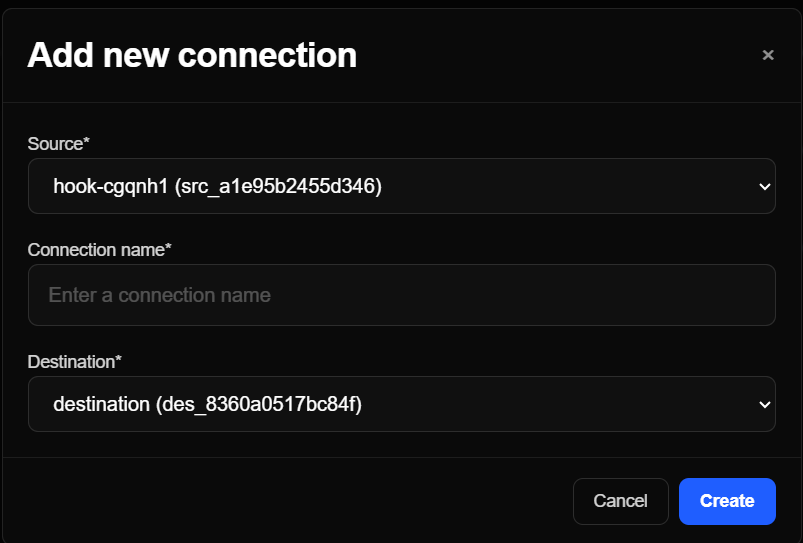
Choose a source, choose a destination, and create a connection in the Connections board. This creates the source-to-destination route FastHook uses for webhook delivery.
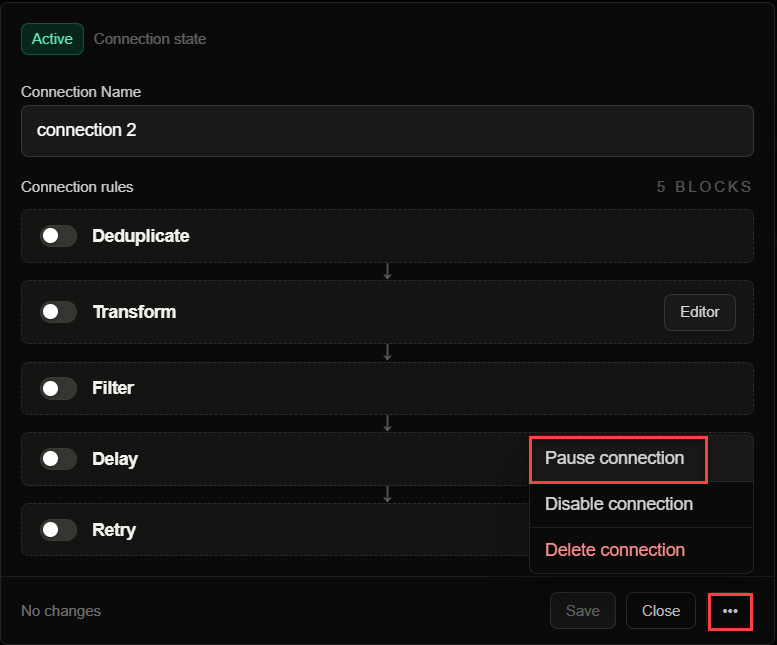
Pause or resume
Pause a connection to stop outbound delivery without deleting configuration. Use this when a destination needs maintenance but you want to keep the route definition.
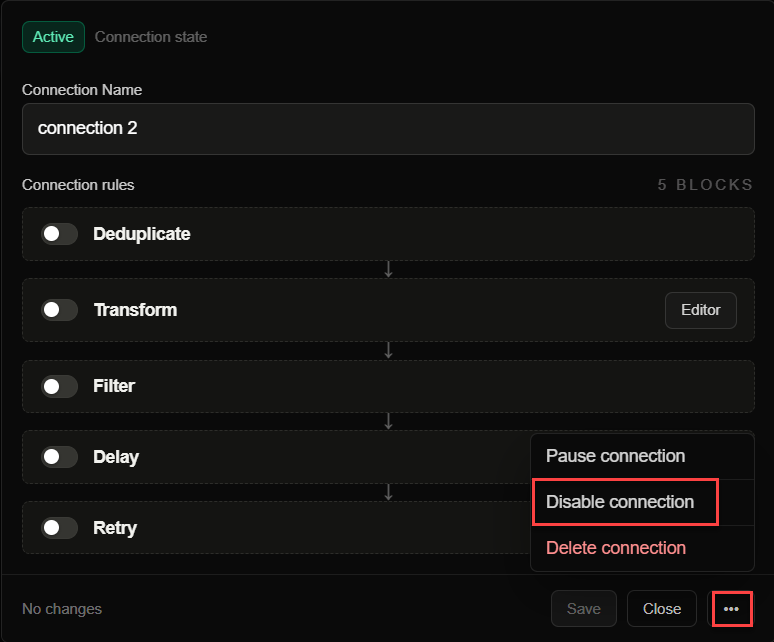
Enable or disable
Disable a connection when you need to fully stop it. A disabled connection should not deliver new webhook events until you turn it back on.
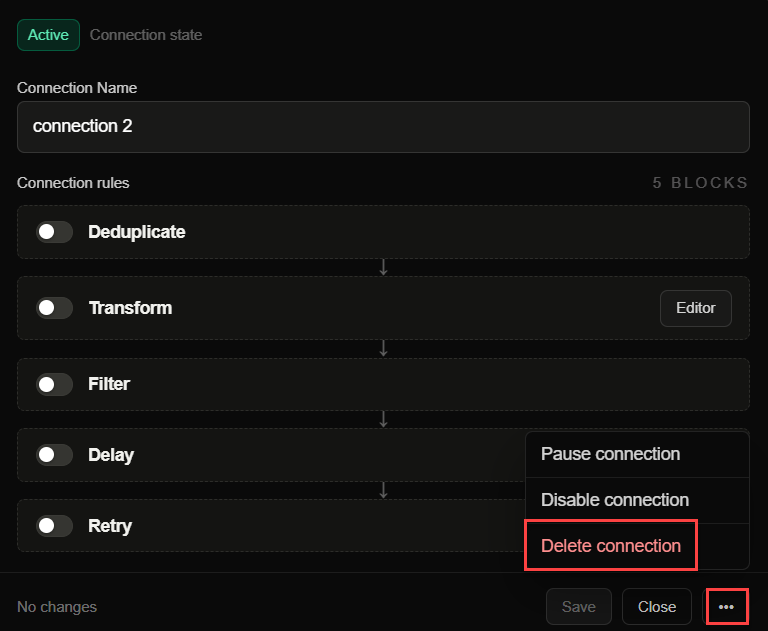
Delete a connection
Delete a connection when the route is no longer needed.
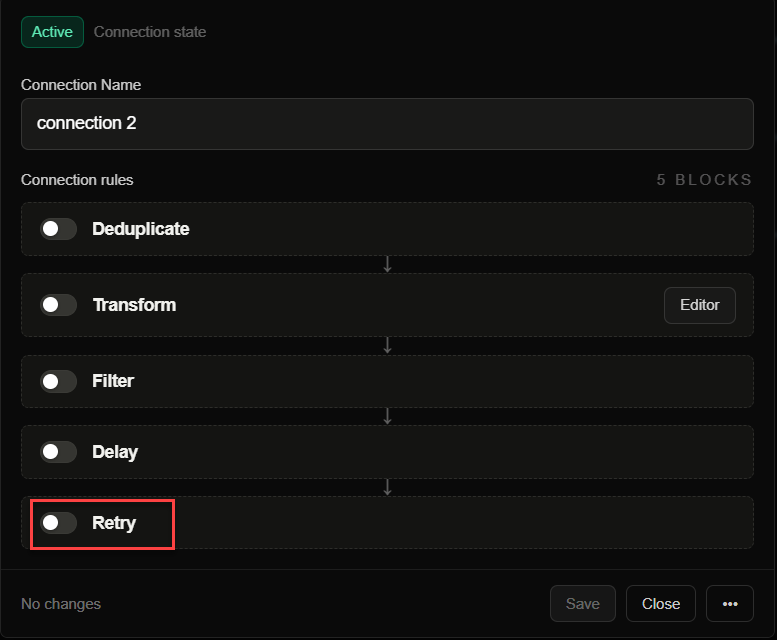
Connection Rules Supported
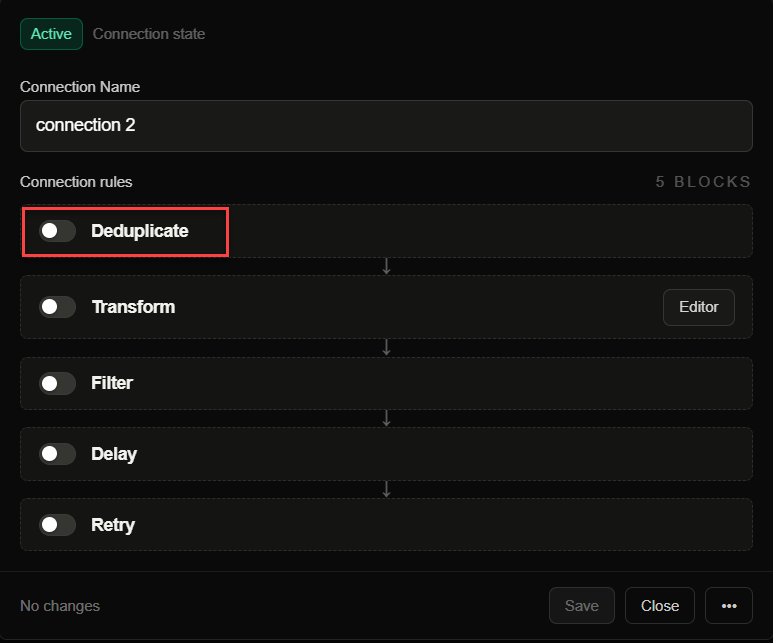
Deduplicate
Skip duplicate events inside a configurable time window. Deduplication helps when providers retry the same business event or when manual replay could send repeated payloads.
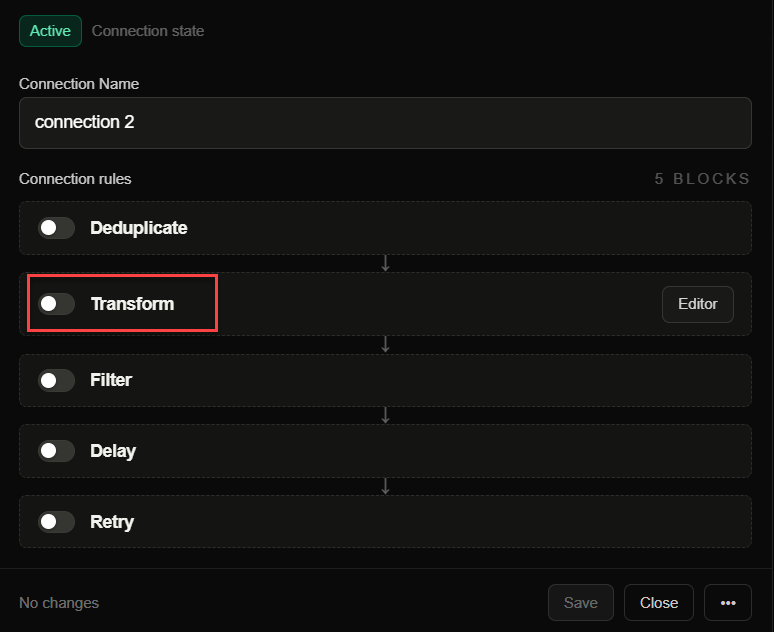
Transform
Apply a selected transformation before delivery. Use Transformations when a destination needs a different webhook payload shape than the source sends.
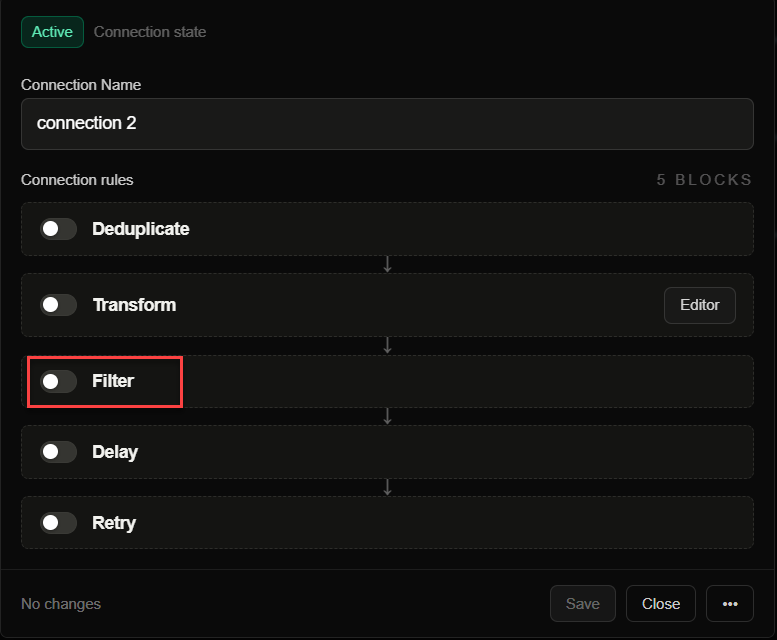
Filter
Deliver only events that match conditions in headers, body, query, or path. Use Filters to keep noisy or low-value webhook events away from destinations that do not need them.
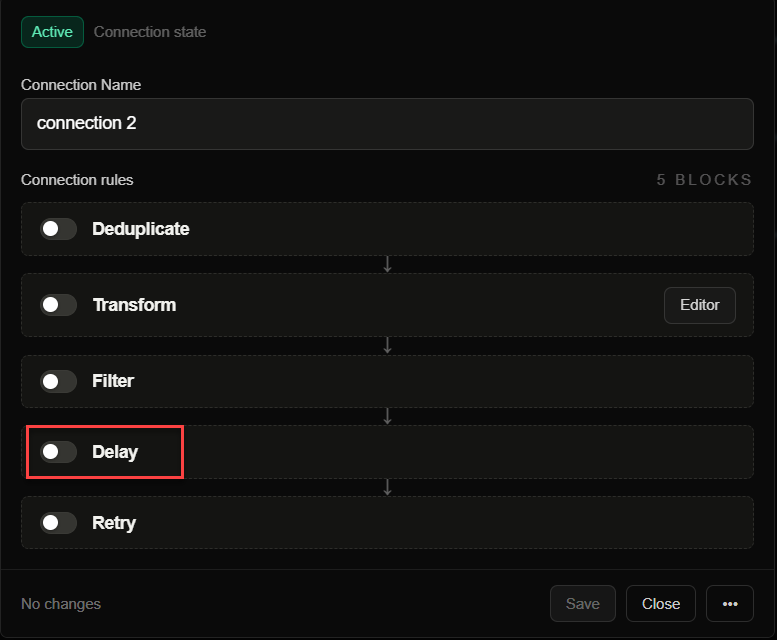
Delay
Postpone delivery by a configured duration. Delays are useful when downstream systems need time to become consistent before processing the webhook.
Retry
Retry failed deliveries using configured strategy and limits. See Retries for how failed webhook delivery attempts recover after temporary destination errors.
Why Connections Matter
Connections let teams model event flow explicitly instead of burying routing logic inside application code. That makes it easier to reason about what should happen to an event, who owns a route, and how failures should be retried or delayed.
They also give you a safer place to evolve integrations. You can add filtering, retry, delay, deduplication, and transformation logic without rebuilding the original source endpoint each time requirements change.
For example, one Stripe source can route billing webhooks to a billing API, filter out event types the API does not use, transform the payload shape, and retry delivery when the billing service returns a temporary 5xx response.
Connection Design Tips
- Name the route so operators can identify both the producer and the consumer quickly.
- Use filters to keep low-value traffic away from expensive destinations.
- Add retries and delays deliberately so temporary downstream failures do not turn into noisy incidents.
- Keep connection rules close to the operational reason they exist, such as provider retry behavior, destination rate limits, or receiver payload requirements.
Common Questions
What is a webhook connection?
A webhook connection is the route between an inbound webhook source and an outbound destination. In FastHook, the connection is also where delivery behavior such as filtering, transformation, deduplication, delay, and retry rules can be applied.
Can one source have multiple connections?
Yes. A source can feed multiple destinations by creating multiple connections. This is useful for fan-out workflows where the same webhook stream needs to reach separate services.
Should routing logic live in my app or in FastHook?
Keep business logic in your app, but keep operational routing behavior in FastHook when you need visibility, retries, replay, filters, transformations, or destination-specific delivery controls.
What should I read next?
Use Quickstart to create your first route, then read Sources, Destinations, Filters, Transformations, and Retries as you add production behavior.